Your Trusted Partner from Prototyping to Mass Production, Email Us:info@highlymachine.com
Please Choose Your Language


Views: 222 Author: Ann Publish Time: 2025-12-26 Origin: Site


Content Menu
● Understanding SMT Accessories
● A Systematic Troubleshooting Process
>> Step 1: Identify the Symptom
>> Step 2: Isolate the Faulty Accessory
>> Step 3: Check for Simple Faults
● Common Feeder Problems and Troubleshooting
>> Feeder Troubleshooting Tips
● Troubleshooting Nozzles and Vacuum Components
>> Common Nozzle-Related Problems
>> Corrective and Preventive Actions
● Printer and Stencil-Related SMT Accessories
>> How to Fix Printing Problems
● PCB Handling and Conveyor Accessories
● Visual Inspection and Vision System Accessories
>> Troubleshooting Vision Accessories
● SMT Reflow Oven and Wave Solder Accessories
>> Common Soldering Accessory Issues
● Preventive Maintenance for SMT Accessories
>> Suggested Maintenance Intervals
● Spare Parts and Accessory Management
● Training and Process Optimization
● Key Best Practices for Long-Term Stability
● FAQ: SMT Accessories Troubleshooting
>> 1. How often should SMT accessories like feeders and nozzles be serviced?
>> 2. What are the key factors for extending SMT accessories' lifespan?
>> 3. How can I reduce SMT line downtime caused by faulty accessories?
>> 4. Which SMT accessories most affect placement accuracy?
>> 5. Why is preventive inspection critical for SMT accessories?
Surface Mount Technology (SMT) production relies on more than just placement machines—it depends on the quality and condition of numerous SMT accessories. These accessories include feeders, nozzles, conveyors, printers, and inspection tools that play critical roles in every manufacturing step. When one of them malfunctions, the entire line's performance drops, causing yield loss, delays, and increased operating costs.
This article offers a comprehensive guide on how to troubleshoot common problems with SMT accessories, prevent future failures, and keep your production lines stable and efficient.

SMT accessories are the supporting devices integrated with main SMT and AI machines. They are responsible for essential operations such as material feeding, solder paste application, PCB handling, and quality inspection.
Common types of SMT accessories include:
- Tape and tray feeders for automatic component supply.
- Nozzles, vacuum cups, and adapters for component pickup and placement.
- PCB loaders, unloaders, conveyors, and buffers that control board flow.
- Stencils, squeegees, and stencil-cleaning tools in solder paste printing.
- AOI fixtures, camera calibration plates, and lighting modules for inspection.
- ESD-safe storage trolleys, racks, and component trays.
In short, SMT accessories form the backbone of automated surface-mount assembly. Keeping them in top condition ensures higher throughput and lower operating costs.
When defects or interruptions occur, the key to solving them efficiently is following a structured, repeatable troubleshooting procedure.
Carefully describe what is happening. For example:
- Components are misaligned or missing.
- The machine alarm points to a feeder or nozzle.
- PCBs jam between conveyors.
- The AOI detects abnormal solder bridges or missing paste.
Detailed visual observation and system logs help narrow down the affected accessory.
Move the suspected accessory to another machine or slot and see if the issue follows.
If it does, you've found the cause. If not, the problem may lie elsewhere (e.g., with configuration or settings).
Most issues with SMT accessories are caused by dirt, insufficient cleaning, mechanical wear, or loose connections. Before moving to complex diagnostics, check cleanliness, seating, calibration data, air pressure, and electrical contact.
Always log the issue and mark defective accessories to prevent them from returning to production. Recording frequency and failure type helps track recurring issues and plan preventive actions.
Feeders are among the most critical SMT accessories. They control the accuracy of component positioning before pickup, directly affecting placement performance.
- Mis-picks or no-picks: The nozzle can't grab the component properly due to wrong alignment or sensor malfunction.
- Double picks: The nozzle picks two parts because of static, tape design, or worn pocket edges.
- Tape feed error: Cover tape tension or mechanical drag stops consistent pocket advancement.
- Recognition failure: The machine software cannot communicate correctly with intelligent feeders.
- Check and clean feeder sprockets, rollers, and tension arms.
- Ensure proper tape path and adjust peeling angle.
- Verify pocket pitch calibration and advance mechanism using diagnostic tools.
- Inspect feeder sensors and replace worn springs or gears.
- For smart feeders, confirm firmware version and data communication with the host machine.
Regular calibration and preventive cleaning are key to keeping these SMT accessories reliable. Using approved lubricants and avoiding forced mechanical movement extends feeder lifespan.
Nozzles are precision SMT accessories that pick components using air vacuum and place them accurately onto PCBs. Even small deviations cause major placement errors.
- Components fall during transfer or stick to the nozzle.
- Picked components are skewed or misplaced.
- “Low vacuum” alarm appears repeatedly.
- Physical wear or damage is visible under magnification.
- Clean nozzles with ultrasonic cleaners using recommended fluids. Avoid strong chemicals that damage coatings.
- Verify O-rings, gaskets, and vacuum filters are intact.
- Recalibrate pickup pressure, height, and offset.
- Use size-appropriate nozzles for each component type.
- Store nozzles properly to prevent contamination and mechanical impact.
Nozzles handle thousands of components per hour; thus, even microscopic particles can block airflow. Establishing a nozzle maintenance schedule is one of the most effective ways to prevent chronic placement issues.
Solder paste printing quality influences almost every downstream defect, making related SMT accessories like stencils, squeegees, and support pins critical.
- Insufficient paste: Aperture clogging or excessive squeegee pressure.
- Solder bridging: Poor stencil alignment or damaged stencil edges.
- Smearing: PCB supports not properly positioned.
- Print offset: Misalignment between board and stencil.
- Inspect stencil for wear, damage, or contamination. Clean with dedicated wipes between prints.
- Evaluate stencil tension and replace if warped or stretched.
- Ensure even squeegee pressure and appropriate printing speed.
- Check alignment with fiducial cameras before every batch.
High-quality SMT accessories—especially precision laser-cut stencils and durable squeegees—significantly improve print consistency and yield rates.
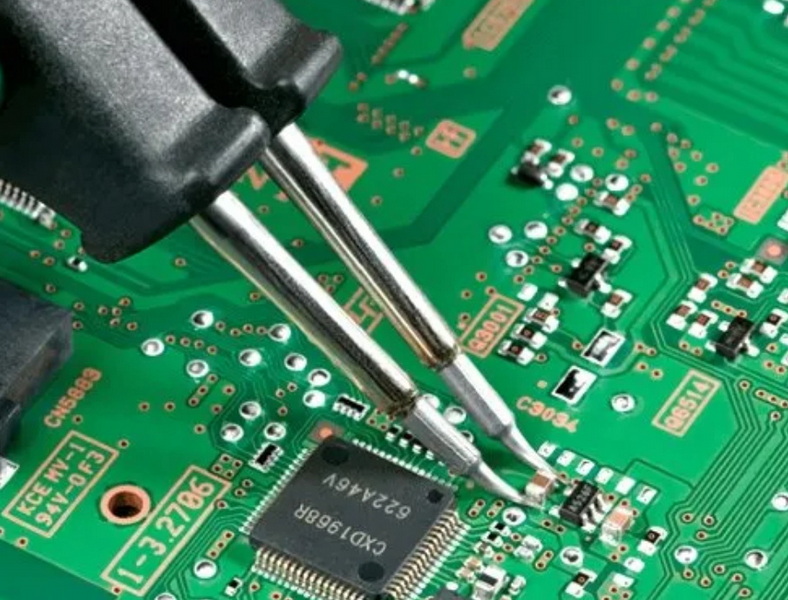
Board handling systems keep SMT lines flowing smoothly. Buffers, conveyors, and loaders are mechanical SMT accessories that coordinate timing between machines.
- PCBs jam or tilt in the conveyor.
- Edge damage during transfer.
- Inconsistent spacing or transfer delay.
- Conveyor width not resetting properly.
- Clean conveyor rails and belts to remove solder and debris.
- Adjust clamps and alignment rails to fit board size.
- Verify sensor positions and photocell operations.
- Check and lubricate width adjustment mechanisms.
- Confirm anti-static grounding and ESD-safe belts.
When properly maintained, these SMT accessories stabilize production flow and reduce stoppages caused by board jams or misalignment.
Optical systems are another area where SMT accessories heavily influence performance. Camera lenses, calibration plates, and lighting modules determine how accurately components and fiducials are recognized.
- Frequent fiducial recognition errors.
- Poor lighting for reflective components.
- Inconsistent placement alignment over time.
- Shadowing or low contrast in captured images.
- Clean lenses and light covers with lint-free wipes.
- Check LED light color temperature; adjust brightness for the material being inspected.
- Perform periodic camera calibration using certified reference boards.
- Update component models after replacing lighting accessories or nozzles.
Good visibility ensures quality throughout the process. Even a well-tuned machine can output defective boards if its optical SMT accessories are not maintained.
Beyond placement, some essential SMT accessories appear in the soldering process—such as reflow oven conveyors, wave fingers, and solder pallets.
- Boards wobble due to warped carriers.
- Flux accumulation on pallets causes contamination.
- Conveyor chains seize due to lack of cleaning.
- Uneven solder profile results in poor wetting.
- Regularly clean chains and fingers using dedicated cleaning agents.
- Check for mechanical distortion and recalibrate carrier height.
- Verify temperature sensors and thermocouples regularly.
- Replace worn mesh belts and check air filters.
Maintaining these soldering-stage SMT accessories ensures stable thermal profiles and prevents contamination across the line.
Effective maintenance policies minimize unplanned downtime. A preventive maintenance plan should include pre-scheduled cleaning, inspection, and replacement of critical components.
- Daily: Wipe nozzles, feeders, and conveyors, and clear dust.
- Weekly: Inspect moving parts, verify feeder calibration, and clean stencils thoroughly.
- Monthly: Perform vacuum line inspection, camera calibration, and depth measurement on worn components.
- Quarterly: Conduct full preventive maintenance on all major SMT accessories, including storage verification.
Documenting each maintenance action ensures all SMT accessories remain traceable by serial number and condition.
Having a structured spare part system protects your SMT lines from downtime due to unavailable SMT accessories.
- Classify accessories into critical, standard, and non-critical categories.
- Keep backup feeders, nozzles, and sensors in controlled storage.
- Record accessory usage and failure history.
- Use traceable labeling and barcode systems.
Highlywin, as an experienced SMT solutions provider, supports global customers in building comprehensive spare part systems and stocking compatible SMT accessories across multiple machine brands.
Even the best SMT accessories require trained operators and clear procedures. Mistakes often originate from incorrect setup rather than direct hardware faults.
- Conduct periodic training to teach operators symptom recognition.
- Provide visual instructions for cleaning and replacing accessories.
- Use video-based modules illustrating correct feeder loading, nozzle replacement, and print alignment.
- Keep all process documents updated whenever new SMT accessories are introduced.
With this approach, your maintenance and production teams can respond quickly to equipment issues while preventing long-term deterioration.
1. Use original or certified SMT accessories from reliable sources.
2. Establish a dedicated inspection area for returned or faulty accessories.
3. Implement a “clean and calibrate” policy before reusing any repaired component.
4. Analyze failure patterns to identify weak points—higher precision feeders, better stencil materials, or smarter sensors may solve recurring issues.
5. Work with trusted vendors like Highlywin, who provide both equipment and global support solutions.
Long-term success in SMT manufacturing comes from the integration of high-quality machines, reliable accessories, and a disciplined support structure.
Troubleshooting SMT accessories requires a structured approach that combines observation, testing, cleaning, calibration, and proper documentation. Focusing on feeders, nozzles, printers, conveyors, and vision components ensures stable production with fewer interruptions.
Proper maintenance schedules, spare part management, and training programs further reduce downtime and costs. As a one‑stop SMT solution provider, Highlywin supports customers worldwide with comprehensive SMT equipment, accessories, and full-service technical support to guarantee optimal production performance.
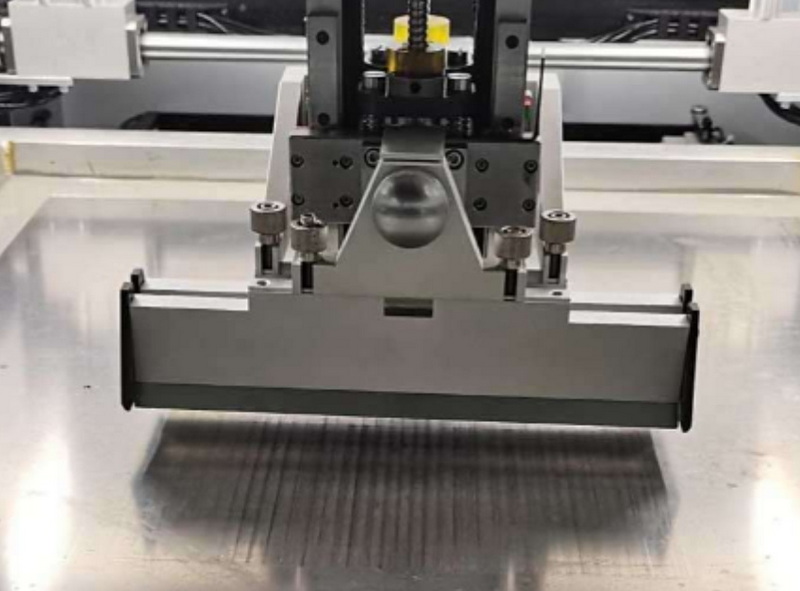
Clean and inspect these SMT accessories daily, especially in high-volume production lines. Perform full preventive maintenance monthly or according to the manufacturer's cycle recommendations to maintain optimal performance.
Regular cleaning, proper storage, and using compatible consumables significantly extend life. Avoid mixing third-party parts that may misalign mechanical dimensions or tolerance levels.
Maintain a structured inventory of spare SMT accessories, track usage data, and replace worn parts proactively. Partnering with global suppliers like Highlywin ensures fast replacement and technical support.
Feeder alignment, nozzle condition, and camera calibration are the top three factors. Degraded feeders or dirty lenses can cause serious misalignment or skipped placements even if the equipment is fine.
By catching early signs like noise, vibration, or vacuum drop, preventive inspection prevents full failure and unplanned downtime. Inspections also help detect abnormal wear or contamination before major defects appear.


